RAMS AI alternative for site-specific safety documents
Free-text AI tools can draft generic RAMS quickly, but the output often lacks structure, signature workflow and any record of who approved what. Riskora may suit teams who need site-specific RAMS with a built-in document hub, sign-off and audit trail — without giving up on the speed of automated input.
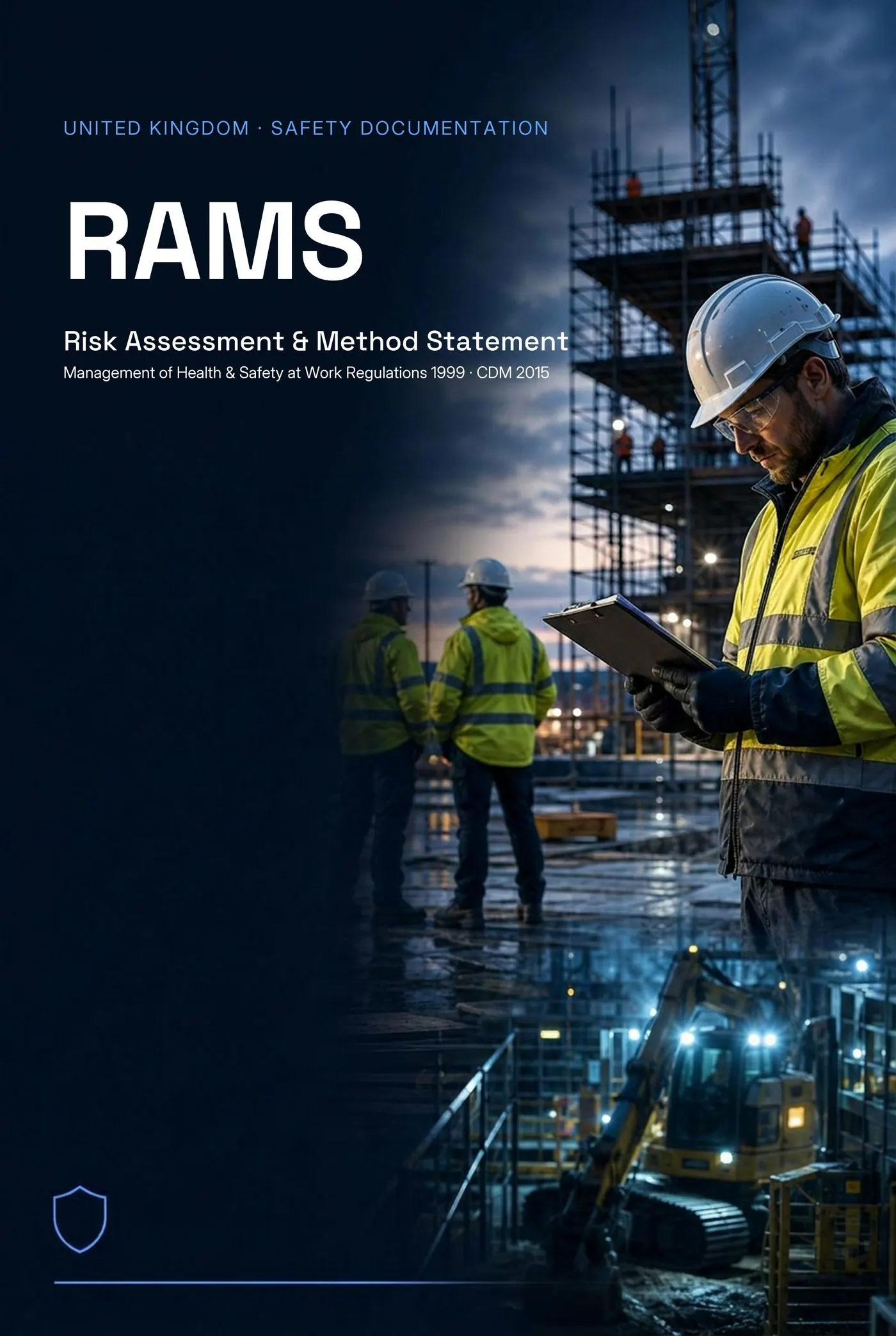
UK (RAMS) example document — Two-Storey Rear Extension — 14 Birchwood Lane, Reading. Client: Mr & Mrs A. Whitfield (Private Client). Site: 14 Birchwood Lane, Reading, RG1 5JT. Scope: Construction of a two-storey rear extension (6.4m × 4.2m) to an existing semi-detached dwelling. Works comprise breaking out of existing rear elevation, trench-fill foundations to 1.0m, traditional cavity blockwork to first floor, pre-stressed concrete lintels, timber roof structure with natural slate finish, plus alterations to existing rear wall to form structural opening with rolled steel joist (RSJ 203×102 UB23). Works programmed over 9 weeks with a peak site team of 6 operatives. Hazards assessed: Manual handling — blocks, lintels, plasterboard, Working at height — independent scaffold & roof structure, Buried services strike during excavation, Collapse of excavation / trench wall, Hand-arm vibration (HAVS) — breaking out, drilling, Silica dust — cutting blocks, brick, concrete, Vehicle/pedestrian segregation — narrow domestic street.
Full version
No card required · 1 lifetime safety document · Upgrade when you need more
What's a good alternative to using AI for RAMS?
Riskora is a structured RAMS builder rather than a free-text AI generator. It turns your job details into a site-specific RAMS using a guided builder, then stores it with sign-off records, version history and an audit trail. It may suit teams who want automation but also need document management.
Feature Comparison
| Feature | Riskora | Generic AI tools |
|---|---|---|
| RAMS / risk assessment / method statement support | yes — purpose-built | Free-text drafts |
| Wider safety document support (COSHH, toolbox talks, JHA/JSA) | Free-text only | |
| Country support | UK, IE, AU, NZ, US, CA | No localisation |
| Document hub | yes — active docs area | |
| Sign-off records | ||
| Version history | ||
| Audit trail | ||
| Template-only vs structured builder | Structured builder | Unstructured text |
| Free start | varies |
Individual Tool Breakdowns
Generic AI tools
General-purpose AI chat tools can draft RAMS-style text from a prompt. The result is a body of text, not a structured document with sign-off or audit history.
Best for: Quick rough drafts where governance and document management are not required.
Strengths
- Fast first draft
- Free or low cost
- Familiar to most users
Limitations
- No document hub or storage
- No sign-off workflow
- No version history or audit trail
- Output structure varies between runs
Common Questions Before Getting Started
Will this take long?
Under 5 minutes. Select your trade, pick hazards, download.
Is it complicated?
No training needed. The guided builder walks you through every step.
Do I need experience?
If you know what work you're doing, you can use Riskora.
Is it free to try?
Yes. The Free plan needs no card — generate, review and download one free PDF. Upgrade any time for branding, sign-off and higher limits.
Why Teams Choose Riskora
Riskora is not a free-text AI generator — it's a structured RAMS builder. You enter the job details (or paste a WhatsApp message, client email or scope of works), and Riskora produces a site-specific RAMS using a guided builder with pre-loaded hazards and controls. Where a generic AI tool stops at the text, Riskora keeps going: documents land in your active docs hub, can be signed off, kept under version history, and downloaded as a compact or full document. Every change is logged for the audit trail. Riskora may suit teams who want the speed of automated input but also need somewhere to manage, sign and review their safety documents over time.
All documents should be reviewed by a competent person before use on site.
Frequently Asked Questions
Does Riskora use AI?
Riskora uses automated input to turn your job details into a structured RAMS, but the output is built from curated hazard, control and method libraries — not free-text generation.
Can I edit the document after it's generated?
Yes. Every section is editable in the builder, and changes are tracked under version history.
Is there a free way to try Riskora?
Yes. You can start a document free and see the full structured output before deciding.
Ready? It takes less than 5 minutes.
No training. No complex setup. Just select your trade and go.
No card required · 1 lifetime safety document · Paid tiers add branding, sign-off and audit trails
Try Riskora free — preview a site-specific RAMS before sign-up
Generate a preview first. Sign up only when you want to save, edit or export.
Final RAMS must be reviewed and approved by a competent person before use.
Riskora is an assistive document preparation tool. All documents generated must be reviewed, verified, and approved by a competent person before use on site. Riskora does not replace professional safety judgment, and no output should be treated as a legal compliance guarantee.