Build, brief and sign off RAMS from your phone
Stop emailing yourself Word docs to print at home. Get a structured RAMS, brief the team in the van and capture sign-off on site. 100+ industries supported.
UK (RAMS) example document — Two-Storey Rear Extension — 14 Birchwood Lane, Reading. Client: Mr & Mrs A. Whitfield (Private Client). Site: 14 Birchwood Lane, Reading, RG1 5JT. Scope: Construction of a two-storey rear extension (6.4m × 4.2m) to an existing semi-detached dwelling. Works comprise breaking out of existing rear elevation, trench-fill foundations to 1.0m, traditional cavity blockwork to first floor, pre-stressed concrete lintels, timber roof structure with natural slate finish, plus alterations to existing rear wall to form structural opening with rolled steel joist (RSJ 203×102 UB23). Works programmed over 9 weeks with a peak site team of 6 operatives. Hazards assessed: Manual handling — blocks, lintels, plasterboard, Working at height — independent scaffold & roof structure, Buried services strike during excavation, Collapse of excavation / trench wall, Hand-arm vibration (HAVS) — breaking out, drilling, Silica dust — cutting blocks, brick, concrete, Vehicle/pedestrian segregation — narrow domestic street.
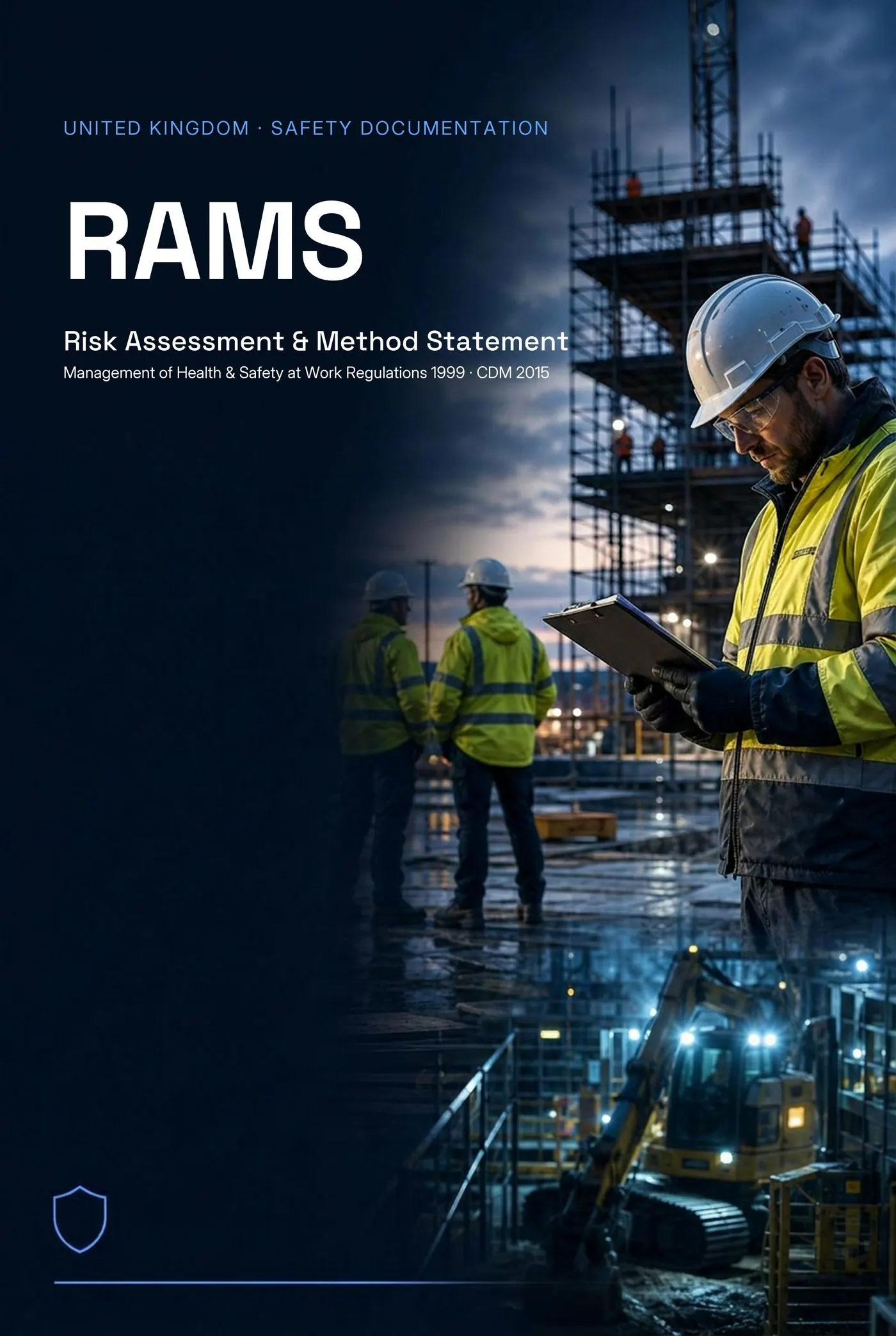
Full version
Preview first. No card needed. Download when you're happy.
- Free to start
- No signup to preview
- Done in ~60 seconds
Runs in the browser on any device — no install, no app store. Same end-to-end safety document and site safety management system as on desktop.
- UK · IE · US · CA · AU · NZ
- RAMS · SWMS · JHA · JSA · COSHH · Task Analysis · Toolbox Talks
- Site-specific — not a blank template
- First document free · No card required
- Job starts in the morning and you're still on the road.
- Site manager wants paperwork before the gate opens.
- You don't want to install another app or remember another login.
- You want to brief and sign off the team on the spot.
- WhatsApp from the site manager
- Client email forwarded to your phone
- Voice-to-text scope of works
- A photo of a written scope (paste the text)
- A previous RAMS opened on your phone
What you can do from your phone
Build a full RAMS
Same builder as desktop — structured hazards, controls, method, PPE, sign-off.
Site-specific hazards
Hazards selected for the trade and scope you paste in.
Sequenced method statement
Step-by-step method on your phone, responsible person per step.
PPE & equipment
Task-specific PPE captured as you build.
Emergency arrangements
First aid, fire, spill and escalation written into the document.
COSHH & toolbox talks
Generate paired toolbox talk and COSHH from the same job.
Brief the team on screen
Show the document to operatives and walk through the hazards.
Capture sign-off on site
Signatures captured on the phone — time-stamped and stored in your workspace.
Email PDF to PC
Send the finished PDF to the principal contractor straight from the device.
What the mobile workflow looks like
From a pasted WhatsApp message in the van to a signed, issued RAMS in under 15 minutes. No printer, no laptop, no app install.
Why this beats a chatbot app or a Word doc on your phone
Chatbot apps give you paragraphs of safety prose. Word docs on a phone are unusable. Riskora is the same end-to-end safety document and site safety management system as on desktop, optimised for the device you actually have in your hand on site.
What your RAMS actually contains
Riskora builds a structured, client-facing document — not a generic AI paragraph. Every section is shaped around your job, your site and your team.
Hazards
Task-specific hazards for the job, captured row by row — not a generic list pulled from an old RAMS.
Controls
Control measures mapped to each hazard with residual risk scoring after controls are applied.
PPE
PPE requirements tied to the activity and site, ready to brief to the team.
Method steps
Step-by-step method statement structured around how the work is actually sequenced on site.
Emergency arrangements
First aid, rescue plan, emergency contacts and site-specific escalation routes.
COSHH prompts
Substance prompts when the work involves chemicals, dusts, fumes or sealants — flagged early, not missed at review.
Sign-off
Operative sign-off captured against the document — names, dates and acknowledgement of the brief.
Version history
Every change tracked so you can show what was issued, when, and which version the team signed.
Approval status
Clear approval state on every document — draft, in review, approved, issued — visible across the team.
Audit trail
Who created it, who reviewed it, who signed it. A complete trail you can hand to a principal contractor or auditor.
From copied-and-pasted to site-specific
The reason RAMS get rejected is rarely the format — it's that the document is obviously generic. Riskora rebuilds it around this job, this site and this task.
Generic template copied from an old job.
- • Hazards and controls that don't match this site or task.
- • Method steps written for a different sequence of work.
- • No emergency arrangements specific to the location.
- • Client flags it as generic and asks for a rewrite.
Site-specific document structured around this job, site and task.
- • Hazards captured from the actual scope you pasted in.
- • Method steps sequenced for how the work runs on site.
- • Emergency arrangements and rescue plan tied to the location.
- • Approved internally, briefed to the team, signed off and stored.
From job details to signed-off document
A four-step workflow used by contractors, consultants and safety teams to turn informal job details into client-ready safety paperwork.
- 1Paste job details
Drop in a client email, a WhatsApp from the site manager, a scope of works or a tender note. Anything that describes the job.
- 2Riskora structures the document
Riskora turns your brief into hazards, controls, method steps, PPE, emergency arrangements and COSHH prompts.
- 3Review, edit and download
You stay in control of every section. Tweak anything, then download a clean PDF or share a link.
- 4Brief the team and record sign-off
Brief operatives, capture their sign-off and keep a full audit trail of who signed which version.
Built by people who've written this paperwork on real sites
Riskora is built by a founder with hands-on site and document experience — designed for contractors, consultants and safety teams who need to issue, brief and prove safety paperwork without losing a day to admin.
- Built for contractors, consultants and teams
Solo trades, principal contractors and in-house safety teams all run on the same workflow. - Supports multiple countries
UK, Ireland, Australia, New Zealand, US and Canada — wording and document types match the local standard. - Not just documents
Sign-off, approvals, version history and an audit trail — the management workflow around the paperwork.
Open Riskora on your phone — build your first RAMS
No install, no app store. Describe the job and Riskora structures the rest.
Preview first. No card needed. Download when you're happy.
Questions for this exact situation
Riskora helps structure a site-specific safety document. It does not replace competent review, site supervision, client requirements or legal duties. Always check the final document before issue.